
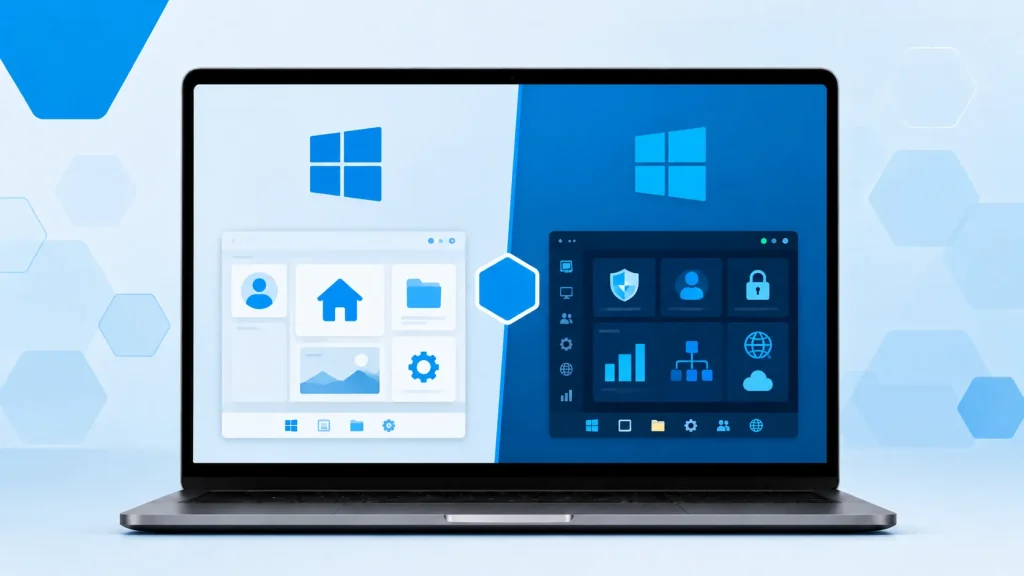
When buying a Windows 11 product key, one of the first decisions you’ll face is whether to get Windows 11 Home or Windows 11 Pro.
On the surface, both versions look very similar. They share the same modern interface, Snap Layouts, Widgets, Copilot AI features, and strong gaming performance. However, there are important differences under the hood that can significantly impact your experience, especially if you run virtual machines, need advanced security, or manage multiple computers.
In this guide, we break down the real differences between Windows 11 Home and Pro, so you can choose the right license with confidence.
Quick Comparison: Windows 11 Home vs Pro
| Feature | Windows 11 Home | Windows 11 Pro | Winner |
|---|---|---|---|
| Best for | Home users, gamers, students | Business users, developers, power users | Depends |
| BitLocker Drive Encryption | No (only basic Device Encryption) | Yes (full BitLocker) | Pro |
| Hyper-V Virtualization | No | Yes | Pro |
| Remote Desktop | Client only | Host + Client | Pro |
| Group Policy Editor | No | Yes | Pro |
| Domain Join / Azure AD | No | Yes | Pro |
| Maximum RAM | 128 GB | 2 TB | Pro |
| Maximum CPU Sockets | 1 | 2 | Pro |
| Windows Sandbox | No | Yes | Pro |
| Assigned Access | No | Yes | Pro |
| Price (approximate) | Lower | Higher | Home |
| Gaming Performance | Excellent | Excellent | Tie |
Windows 11 Home – Who Should Buy It?
Windows 11 Home is the right choice for the majority of users. It includes everything most people need:
- Modern Windows 11 interface and features
- Excellent gaming performance (DirectX 12, Auto HDR, Game Mode)
- Strong built-in security (Windows Defender, SmartScreen, Device Encryption)
- Support for up to 128 GB of RAM
- All the everyday features like Snap Layouts, Widgets, and Copilot
Choose Windows 11 Home if you:
- Use your computer mainly for gaming, browsing, streaming, and office work
- Don’t need to run virtual machines
- Don’t require advanced encryption like BitLocker
- Want to save money without losing core functionality
Most individual users and gamers are perfectly happy with Windows 11 Home. The performance difference in games is negligible compared to Pro.
Windows 11 Pro – Who Should Buy It?
Windows 11 Pro is designed for professionals, businesses, developers, and power users who need extra tools and security.
Key advantages of Windows 11 Pro:
- BitLocker Drive Encryption — Full disk encryption that protects your data if your device is lost or stolen.
- Hyper-V — Built-in virtualization so you can run virtual machines directly on your PC.
- Remote Desktop Host — Allow others to remotely connect to your computer (very useful for remote work and IT support).
- Group Policy Editor — Advanced system management and configuration tools.
- Domain Join & Azure AD — Connect to company networks and Microsoft 365 business environments.
- Higher hardware limits — Supports up to 2 TB of RAM and 2 physical CPUs.
- Windows Sandbox — Run applications in an isolated environment for testing.
Choose Windows 11 Pro if you:
- Run virtual machines for development or testing
- Need strong encryption for sensitive data
- Work remotely and need to access your PC from other devices
- Manage multiple computers or work in a business environment
- Want future-proofing for heavier workloads
Can You Upgrade from Windows 11 Home to Pro Later?
Yes. Microsoft allows you to upgrade from Home to Pro directly through the Microsoft Store or by purchasing a Pro upgrade key. Your files and programs will remain intact during the upgrade.
However, it’s usually more cost-effective to buy the correct version from the start if you already know you’ll need Pro features.
Gaming: Does Windows 11 Pro Give Better Performance?
For pure gaming, there is almost no difference between Home and Pro. Both versions deliver the same gaming features and performance. The extra tools in Pro are mainly useful for productivity, development, and business use rather than gaming.
If gaming is your main priority and you don’t need virtualization or advanced security features, Windows 11 Home is the smarter purchase.
Frequently Asked Questions
Is Windows 11 Pro worth the extra money? It depends on your needs. If you only use your PC for normal tasks and gaming, Windows 11 Home is sufficient. If you need BitLocker, Hyper-V, or Remote Desktop hosting, then Pro is worth it.
Can I run virtual machines on Windows 11 Home? Not officially. Windows 11 Home does not include Hyper-V. You would need Windows 11 Pro (or use third-party virtualization software like VirtualBox or VMware).
Does Windows 11 Pro run faster than Home? In everyday use and gaming, the performance is virtually identical. Pro only pulls ahead when using its advanced features like virtualization or heavy multitasking with many virtual machines.
What happens if I buy the wrong version? You can upgrade from Home to Pro later without reinstalling Windows. Downgrading from Pro to Home is more complicated and usually requires a clean installation.
Are Windows 11 keys region-locked? Most genuine retail and volume keys work globally. Always buy from sellers who clearly state that their keys are genuine and provide activation support.
Which Windows 11 License Should You Buy?
| Your Situation | Recommended Version | Reason |
|---|---|---|
| Gaming + everyday use | Windows 11 Home | Best value, excellent performance |
| Running virtual machines | Windows 11 Pro | Needs Hyper-V |
| Business or remote work | Windows 11 Pro | BitLocker + Remote Desktop host |
| Developer or power user | Windows 11 Pro | Advanced tools and higher limits |
| Want to save money | Windows 11 Home | Sufficient for most users |
| Managing multiple PCs or a small office | Windows 11 Pro | Better management features |
Ready to Get Your Windows 11 Key?
Now that you understand the differences, choosing between Windows 11 Home and Pro becomes straightforward.
If you’re ready to purchase a genuine Windows 11 key with instant delivery and activation support, you can browse our current Windows 11 licenses here.
Still unsure which version you need? Reply to this post or contact us, we’ll help you pick the right Windows 11 key for your specific use case.