
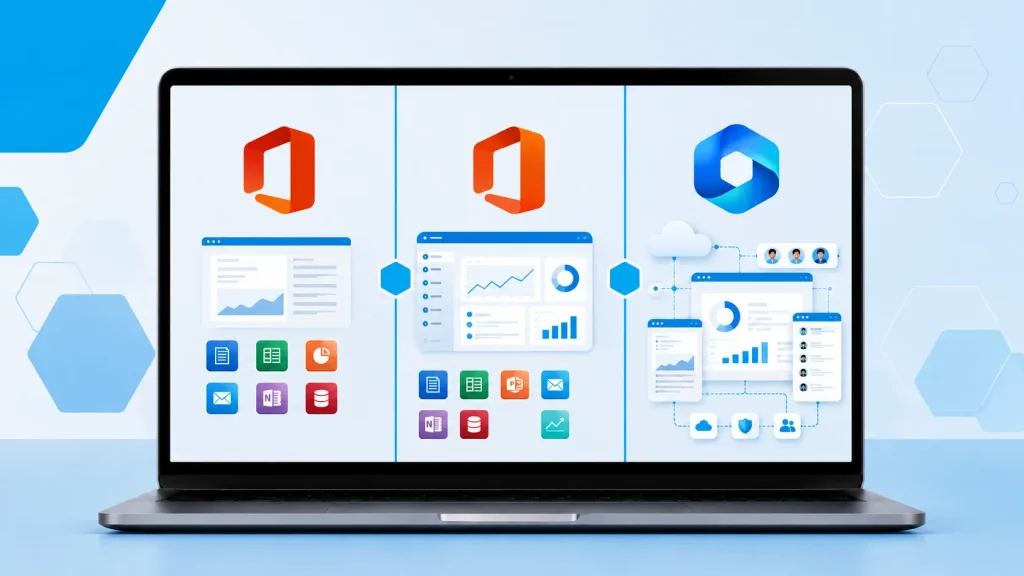
Choosing the right Microsoft Office license has become more complicated than ever. You now have three main options:
- Office 2021 (one-time purchase)
- Office 2024 (one-time purchase)
- Microsoft 365 (subscription)
Each option has clear advantages and disadvantages depending on how you work, whether you want to own the software outright, and how important the latest features and AI tools are to you.
In this guide, we compare all three options in 2026 so you can make the right decision for your needs.
Quick Comparison: Office 2021 vs Office 2024 vs Microsoft 365
| Feature | Office 2021 | Office 2024 | Microsoft 365 | Best For |
|---|---|---|---|---|
| Purchase Type | One-time payment | One-time payment | Monthly or yearly subscription | – |
| Latest Features | No | Yes | Yes (continuous updates) | Microsoft 365 / Office 2024 |
| AI Features (Copilot) | Limited / None | Some AI features | Full Copilot integration | Microsoft 365 |
| Cloud Integration | Basic | Improved | Excellent (OneDrive, Teams, etc.) | Microsoft 365 |
| Number of Devices | 1 PC | 1 PC | Multiple devices + web + mobile | Microsoft 365 |
| Support Duration | Ending soon | Longer support | Ongoing as long as subscribed | Microsoft 365 / Office 2024 |
| Offline Use | Full | Full | Full (with occasional sign-in) | Office 2021 / 2024 |
| Best For | Budget buyers who want simple ownership | Users who want newer features without subscribing | Users who want the latest tools and flexibility | – |
| Long-term Cost | Lower upfront | Moderate upfront | Higher over time | Office 2024 (usually) |
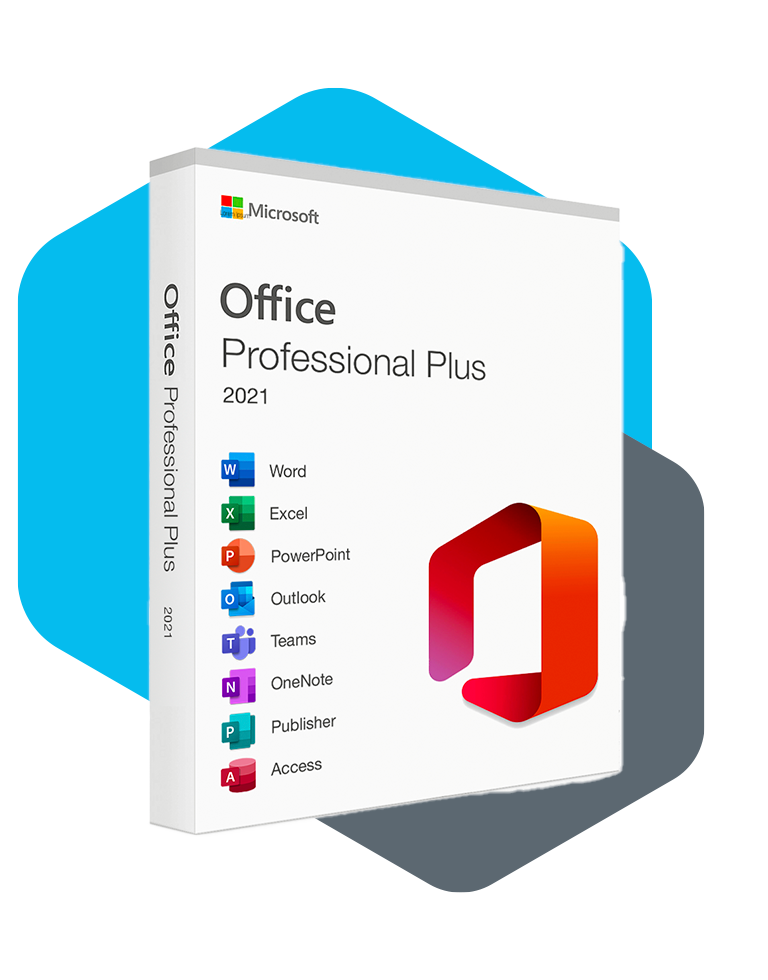
Office 2021 – Is It Still Worth Buying in 2026?
Office 2021 was a solid one-time purchase option when it launched, but it is now showing its age.
Pros:
- One-time payment (you own it forever)
- No subscription required
- Works completely offline
- Lower upfront cost
Cons:
- No new features since launch
- Support is ending soon (Microsoft typically ends support 5 years after release)
- Missing newer AI tools and performance improvements
- Older interface and features compared to 2024
Choose Office 2021 if:
- You’re on a very tight budget
- You only need basic Word, Excel, and PowerPoint
- You don’t care about new features or AI tools
- You want the cheapest possible one-time purchase
For most people in 2026, Office 2021 is no longer the best choice unless price is the absolute top priority.
Office 2024 – The Best One-Time Purchase Option
Office 2024 is currently the newest perpetual (one-time purchase) version of Microsoft Office. It brings meaningful improvements over Office 2021.
Key improvements in Office 2024:
- Better performance and faster loading
- Improved user interface
- Some built-in AI features
- Longer support timeline (better future-proofing)
- More modern templates and tools
Pros:
- One-time payment — no recurring fees
- Newer features than Office 2021
- Full offline capability
- You own the software permanently
Cons:
- Still limited to one device
- Does not receive continuous new features like Microsoft 365
- Missing the full Copilot AI experience
Choose Office 2024 if:
- You prefer owning software outright instead of subscribing
- You want newer features without paying monthly
- You mainly work on one computer
- You want good long-term support without a subscription
Office 2024 is currently the sweet spot for most people who want a one-time purchase in 2026.
Microsoft 365 – Best for Most People Who Want the Latest Features
Microsoft 365 (formerly Office 365) is a subscription service that gives you access to the latest versions of Word, Excel, PowerPoint, Outlook, and more.
Major advantages:
- Always get the newest features and security updates
- Full access to Copilot AI (very powerful in Excel, Word, and PowerPoint)
- Works across multiple devices (PC, Mac, tablet, phone)
- Includes 1 TB of OneDrive cloud storage
- Regular new features and improvements
Pros:
- Best features and AI tools available
- Works on multiple devices
- Excellent cloud integration
- Ongoing updates and support
Cons:
- Requires ongoing payment
- Some features need an internet connection
- More expensive over a 3–5 year period
Choose Microsoft 365 if:
- You want the latest AI features (especially Copilot)
- You use multiple devices
- You collaborate with others frequently
- You want continuous updates and don’t mind paying monthly or yearly
Which Microsoft Office License Should You Buy in 2026?
Here’s a simple recommendation guide:
| Your Priority | Recommended Option | Reason |
|---|---|---|
| Want to own it forever + lowest price | Office 2021 | Cheapest one-time option |
| Want newer features + own it forever | Office 2024 | Best balance for most users |
| Want latest AI features + multiple devices | Microsoft 365 | Best overall experience |
| Work on one computer only | Office 2024 | Better value than subscription |
| Need strong collaboration & cloud tools | Microsoft 365 | Superior integration |
| On a very tight budget | Office 2021 | Lowest upfront cost |
| Want maximum future-proofing | Microsoft 365 | Continuous updates |
Frequently Asked Questions
Is Office 2024 worth upgrading from Office 2021? Yes for most people. Office 2024 offers better performance, a more modern interface, and longer support. The upgrade is especially worthwhile if you use Office daily.
Can I switch from a one-time purchase to Microsoft 365 later? Yes. You can subscribe to Microsoft 365 at any time. However, you cannot easily convert a Microsoft 365 subscription back into a one-time purchase license.
Does Microsoft 365 require internet all the time? No. You can use the desktop apps offline, but you’ll need to connect to the internet occasionally to verify your subscription.
Which option is cheapest in the long run? Office 2024 is usually the most cost-effective over 3–5 years for users who don’t need constant updates or AI features.
Can I install Office on more than one computer?
- Office 2021 & 2024: Only on one computer
- Microsoft 365: On multiple devices (depending on the plan)
Ready to Get Your Microsoft Office Key?
Now that you understand the differences between Office 2021, Office 2024, and Microsoft 365, choosing the right license is much clearer.
If you’re ready to purchase a genuine Microsoft Office key with instant delivery, you can browse our current Office licenses here.
Still not sure which version is best for you? Contact us and tell us how you use Office, we’ll recommend the right license for your situation.