
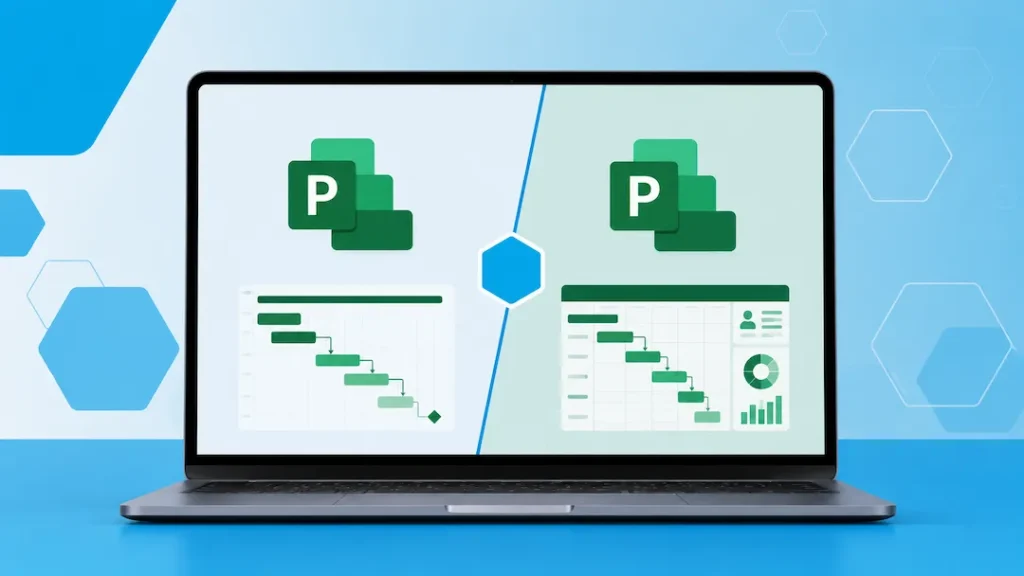
Microsoft Project remains one of the most powerful tools for planning, scheduling, and managing projects. However, when buying a license, many people get stuck deciding between Project Standard and Project Professional.
Both versions allow you to create professional project plans, Gantt charts, and timelines. The main differences come down to advanced features, resource management across multiple projects, and collaboration capabilities.
In this guide, we compare Microsoft Project Standard vs Professional so you can choose the right license for your needs.
Quick Comparison: Project Standard vs Professional
| Feature | Project Standard | Project Professional | Best For |
|---|---|---|---|
| Basic project planning & Gantt charts | Yes | Yes | Both |
| Multiple project management | Limited | Excellent | Professional |
| Resource management across projects | Basic | Advanced | Professional |
| Team collaboration tools | Limited | Better integration | Professional |
| Budgeting & cost tracking | Basic | Advanced | Professional |
| Visual reports & dashboards | Good | Excellent | Professional |
| Integration with Microsoft 365 / Teams | Limited | Stronger | Professional |
| Best suited for | Individual project managers | Teams & professional project managers | – |
| Price | Lower | Higher | Standard |
Microsoft Project Standard – Good for Individual Project Managers
Project Standard is designed for individuals who manage one project at a time or have relatively simple project management needs.
Strengths of Project Standard:
- Full Gantt chart and timeline creation
- Task management, dependencies, and critical path analysis
- Basic resource assignment
- Good reporting tools
- Lower price point
Choose Project Standard if:
- You manage projects on your own or in a very small team
- You only work on one project at a time
- You don’t need advanced resource leveling across multiple projects
- You want solid project management software without paying for advanced team features
Project Standard is a capable tool for freelancers, consultants, and individuals who need professional project planning without the higher cost of Professional.
Microsoft Project Professional – Best for Teams and Complex Projects
Project Professional is the more powerful version and is designed for professional project managers and teams who handle multiple projects or need stronger collaboration features.
Key advantages of Project Professional:
- Advanced resource management across multiple projects
- Better tools for resource leveling and conflict resolution
- Stronger integration with Microsoft Teams and Microsoft 365
- More powerful reporting and visual dashboards
- Ability to manage portfolios of projects more effectively
- Better support for complex scheduling and budgeting
Choose Project Professional if:
- You manage multiple projects simultaneously
- You work with a team and need to assign and track resources across projects
- You need advanced reporting and analytics
- You collaborate heavily with stakeholders using Microsoft 365 tools
- You work in industries where detailed project control is critical (construction, engineering, IT, consulting, etc.)
Should You Consider Microsoft 365 Project Plans Instead?
Microsoft also offers Project Plan 3 and Project Plan 5 as part of Microsoft 365 subscriptions. These cloud-based versions include:
- Web and desktop access
- Better real-time collaboration
- Portfolio management features
- Integration with Power BI and Teams
However, many people still prefer the perpetual license versions (Project 2021 Standard or Professional) because:
- One-time payment instead of ongoing subscription
- Full desktop application without needing constant internet
- Simpler licensing for individuals and small teams
If you prefer owning the software outright and mainly work offline or on a single device, the 2021 perpetual versions are often the better choice.
Which Microsoft Project License Should You Buy?
| Your Situation | Recommended Version | Reason |
|---|---|---|
| Individual managing simple projects | Project Standard | Sufficient features at lower cost |
| Managing multiple projects or teams | Project Professional | Advanced resource & collaboration tools |
| Want cloud collaboration & real-time updates | Project Plan 3 or 5 (M365) | Better for teams that need cloud access |
| Freelancer or consultant | Project Standard | Good balance of features and price |
| Construction, engineering, or complex projects | Project Professional | Needs advanced scheduling & reporting |
| Want to own the software (no subscription) | Standard or Professional | One-time purchase |
Frequently Asked Questions
Is Project Professional worth the extra cost? It depends on your workflow. If you only manage one project at a time and don’t need advanced resource management, Standard is usually enough. If you handle multiple projects or work with teams, Professional is worth it.
Can I upgrade from Standard to Professional later? Yes, it is possible to upgrade editions in most cases.
Do I need Project if I already have Microsoft 365? Microsoft 365 includes basic task management through Planner and To Do, but it does not include the full desktop version of Microsoft Project. You still need a separate Project license for advanced project management features.
Is Project 2021 still good in 2026? Yes. While newer cloud versions exist, Project 2021 remains a powerful desktop application that many professionals continue to use successfully.
Can I use Project on multiple computers? Project 2021 licenses are typically tied to one device. If you need to use it on multiple devices, Microsoft 365 Project plans may be more suitable.
Ready to Get Your Microsoft Project Key?
Choosing between Project Standard and Professional becomes much easier once you know how many projects you manage and whether you need advanced resource tools.
If you’re ready to purchase a genuine Microsoft Project key with instant delivery, you can browse our current Project licenses here.
Still unsure whether you need Standard or Professional? Tell us how you use Project (number of projects, team size, industry) and we’ll help you choose the right version.